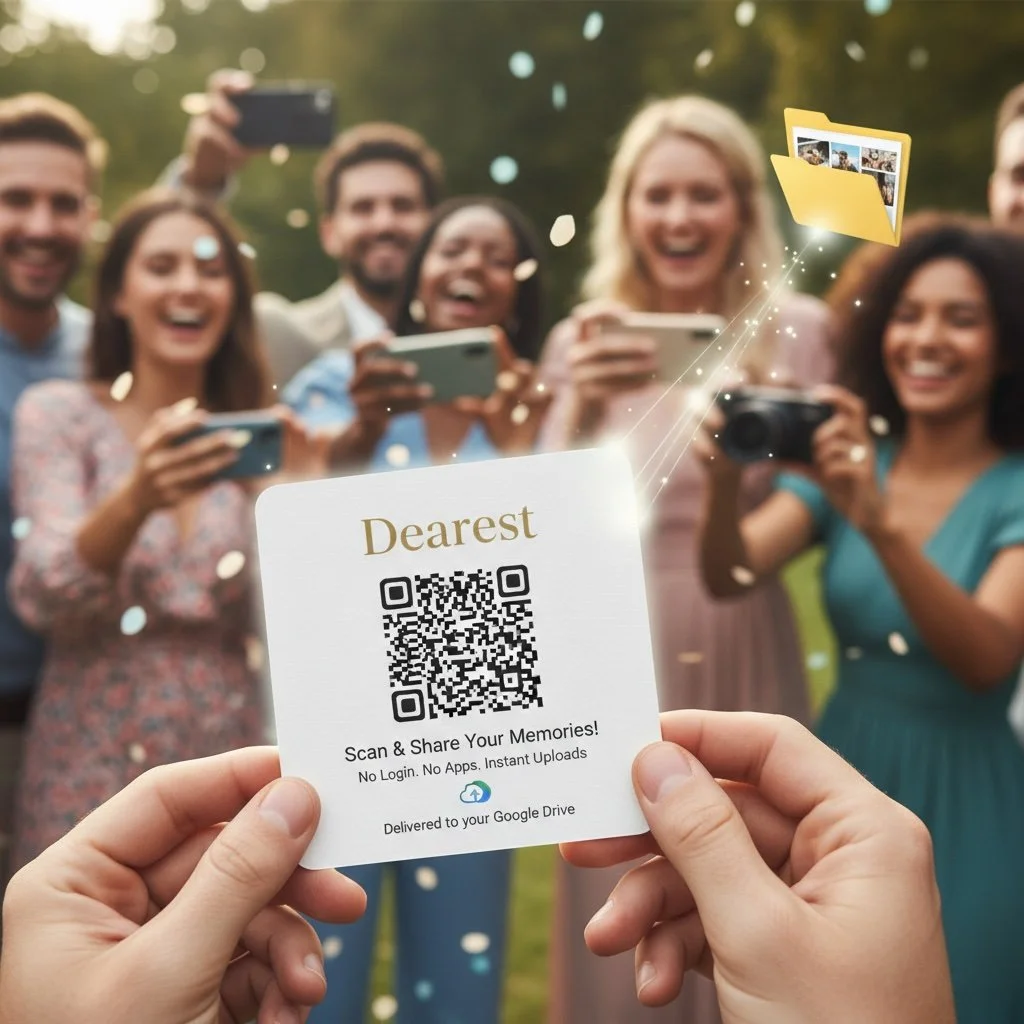
$25 Dearest Photo and Video Upload Package

from $25.00

For hosts who want an easy way for guests to upload photos and videos - no gallery required (add on if you like!)

No Gmail login. No apps. No friction.

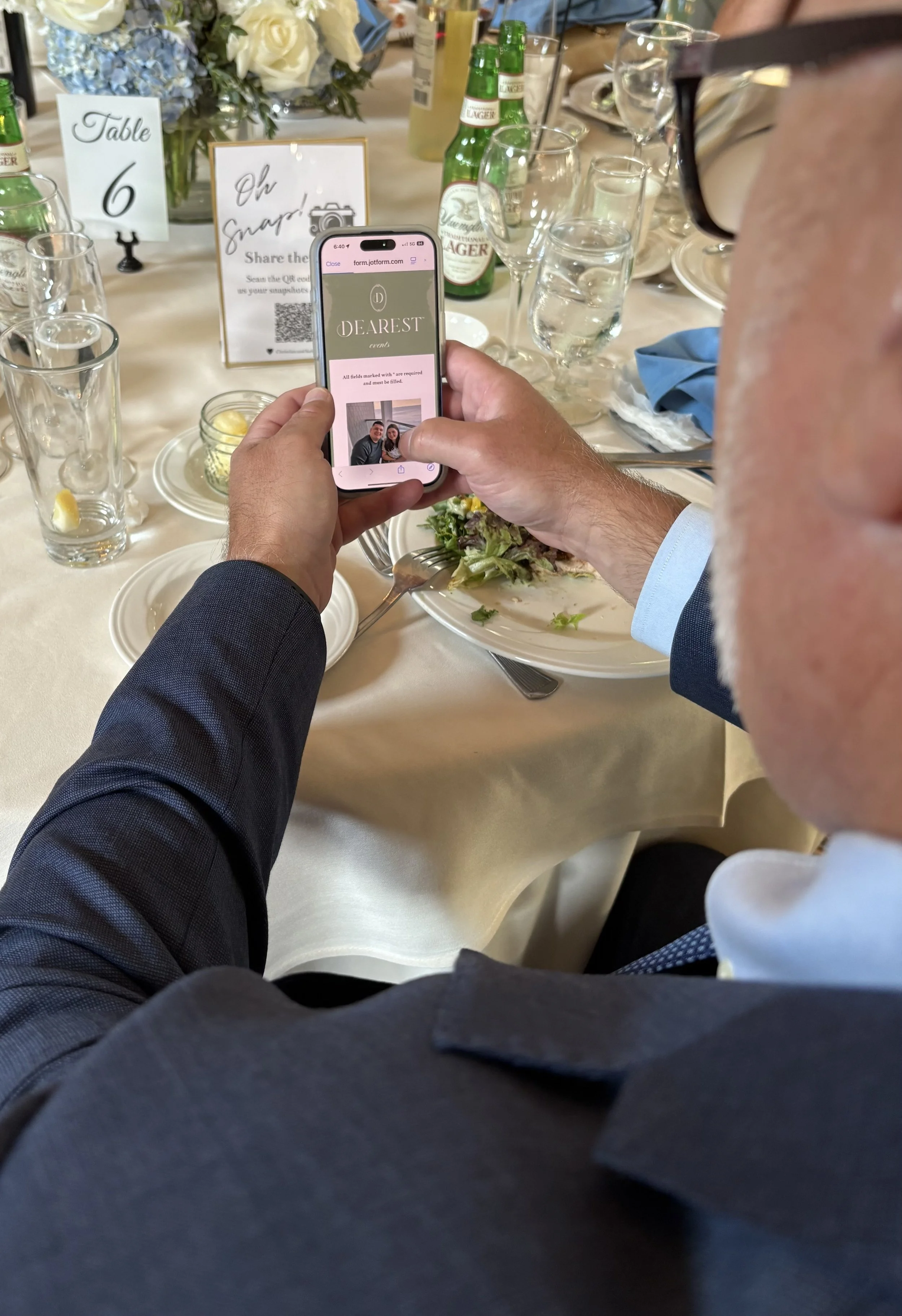
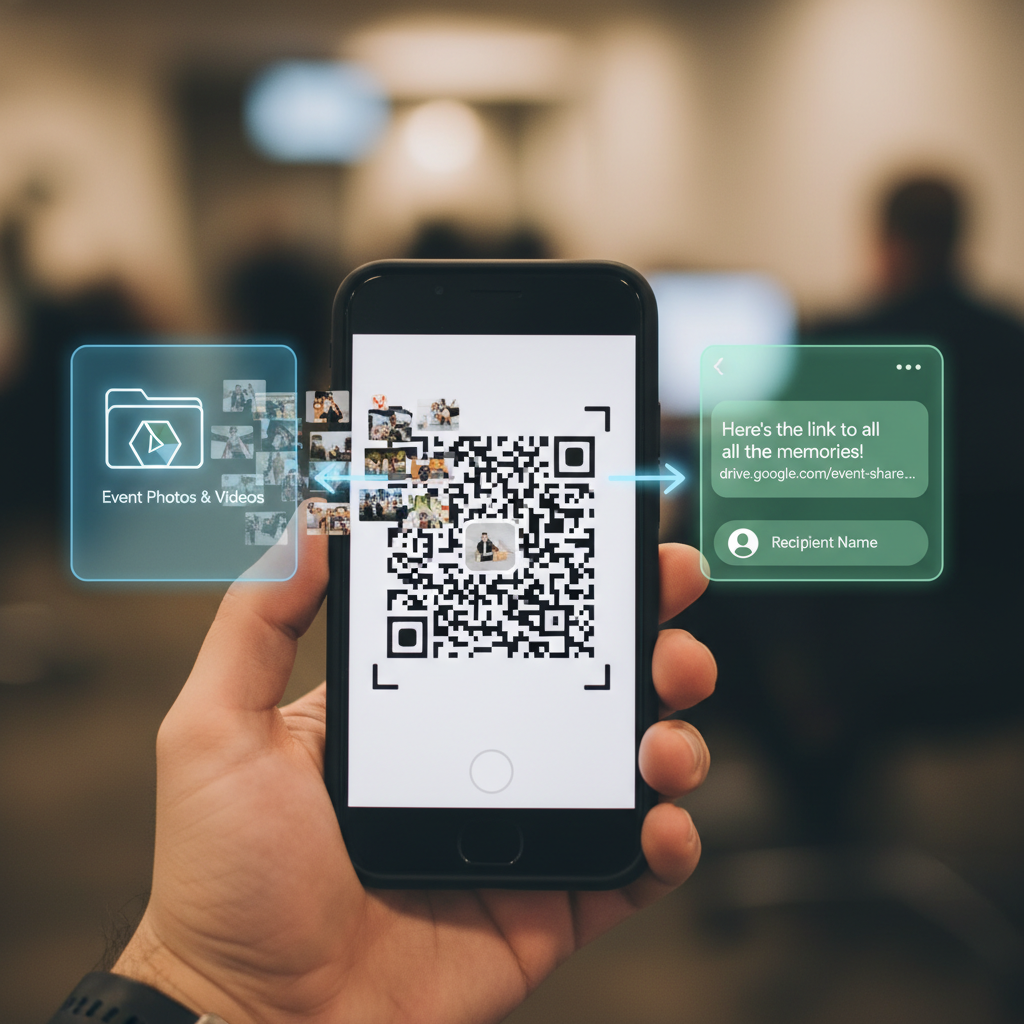
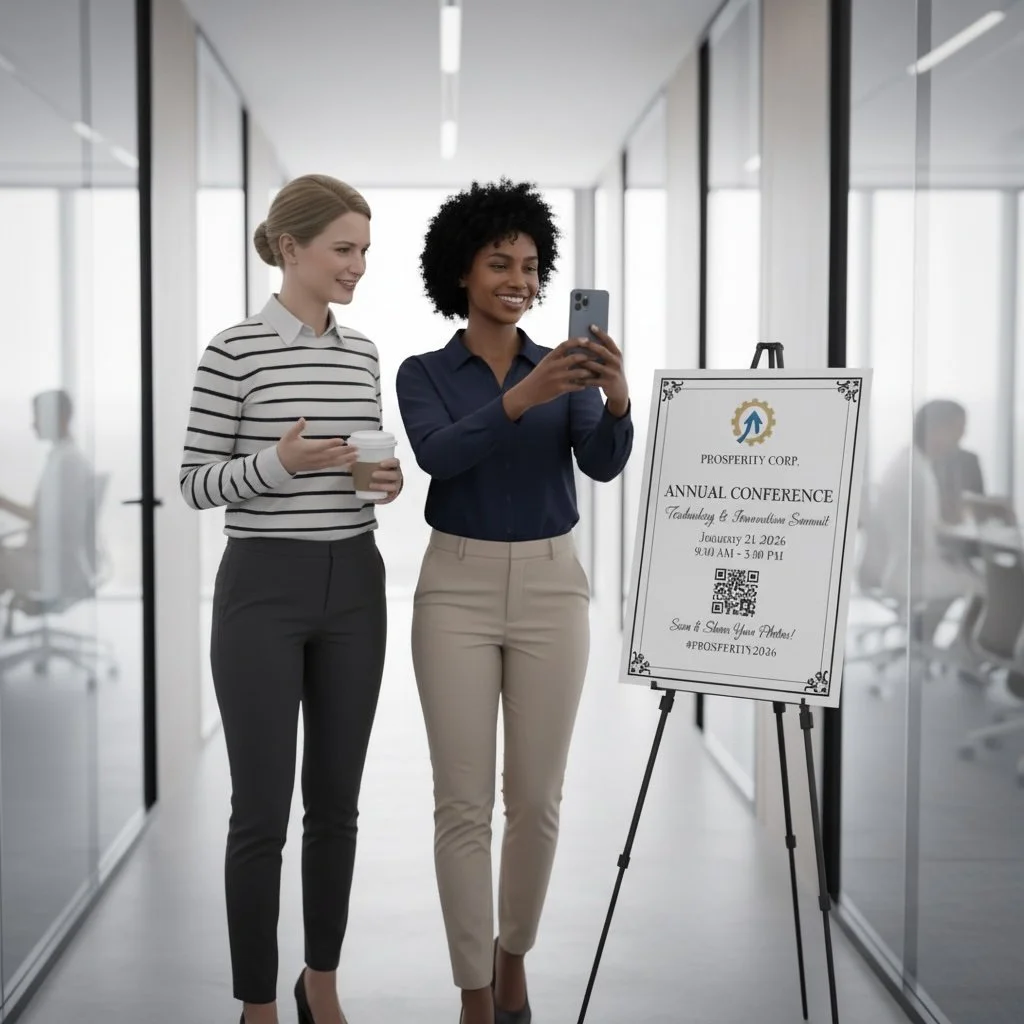
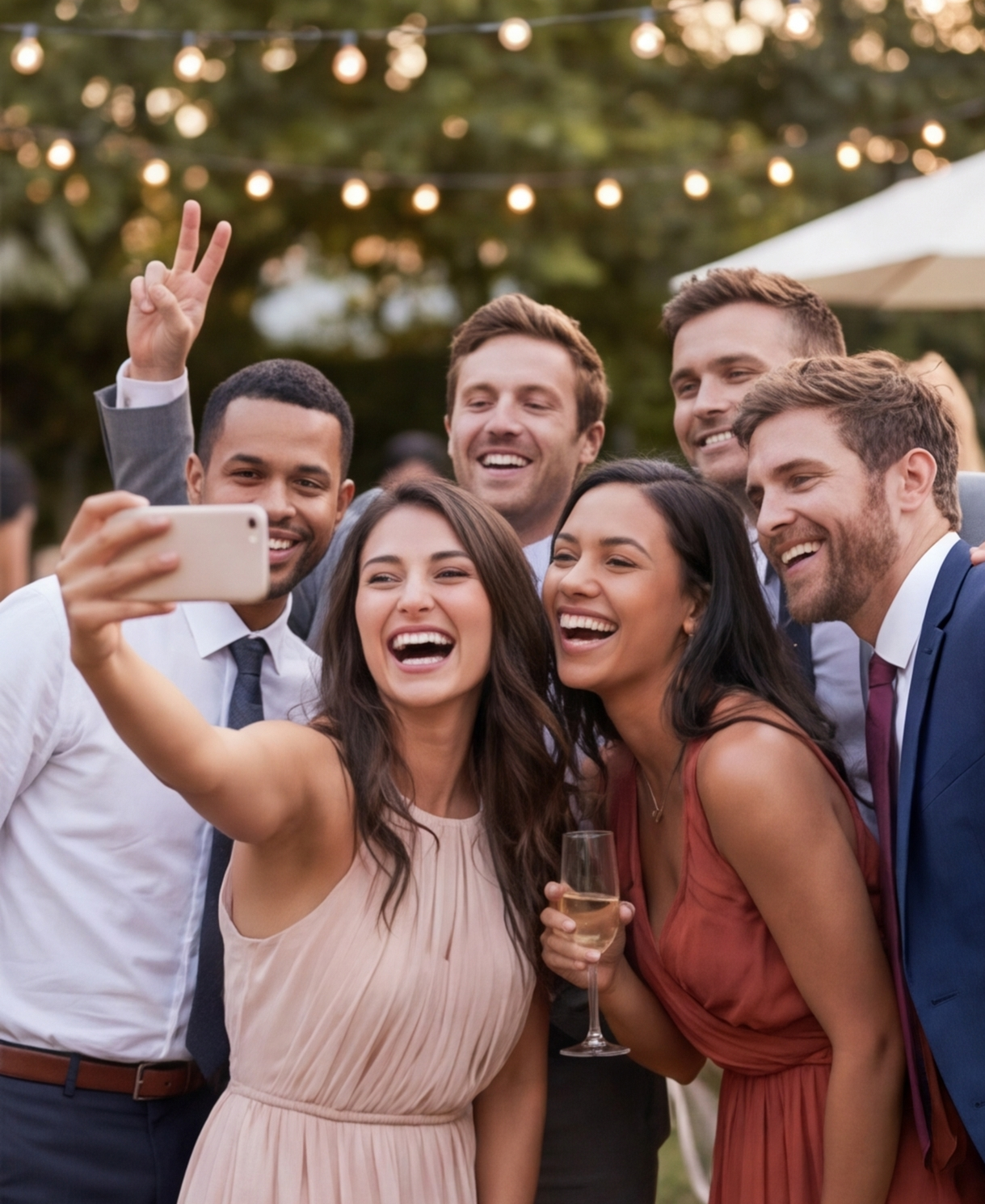
Collect photos and videos from your guests using a simple QR code or link. Guests upload instantly from any device without needing a Gmail account or signing in. All files are automatically delivered to your Google Drive, organized and ready to download.

Unlike DIY Google Drive QR codes (which may require guests to log in), Dearest removes the biggest barrier to participation, resulting in more uploads and better coverage of your event.

What’s Included

✔ Custom Event Upload Setup

  • A customized event upload form for your key details

  • Designed for quick, intuitive guest uploads

✔ Flexible Upload Window

  • Choose a timeframe that works for your event
    (from 2 weeks before your event up to 3 months after)

  • We recommend a shorter window so photos arrive promptly

✔ QR Code + Shareable Link

  • A private QR code and upload link provided after customization

  • Easy to print, text, or include in signage

✔ Organized Google Drive Delivery

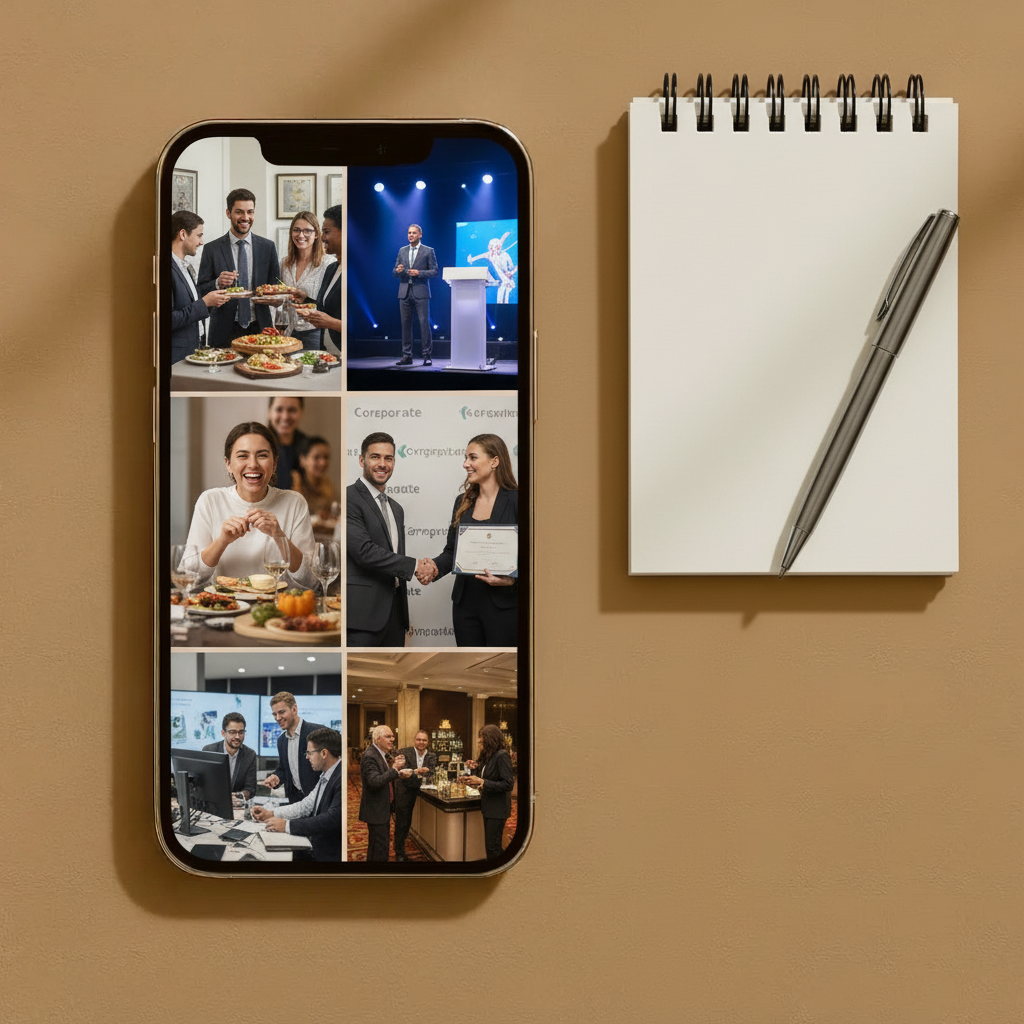
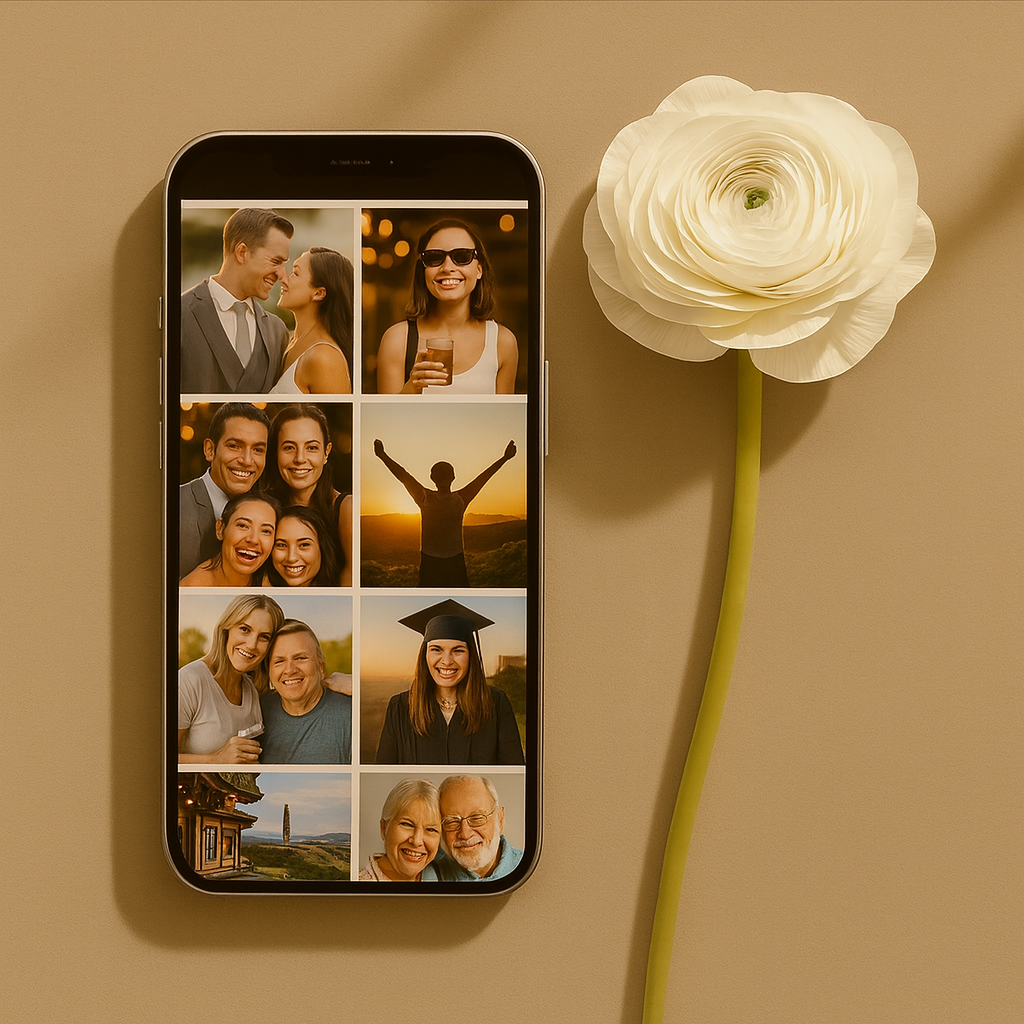
  • All photos and videos delivered to you via Google Drive Link

  • Files organized by submission; no sorting required

✔ 6 Months of Google Drive Access

  • Your Google Drive folder stays available for 6 months from your event date. Download your photos and videos any time during that window.

  • Your QR code accepts uploads for up to 3 months after your event.

  • Google Drive access is granted to the purchaser only. To share, download the files and create a new folder.

Please note that Google Drive access is exclusively granted to the purchaser. Sharing can be achieved by downloading and creating a new file.

Optional but highly recommended QR Code Sign and Card Templates:

Explore exclusive Dearest QR code templates via our Etsy shop.
100% of profits support VOW for Girls.

Looking for More?

FAQ:

What is the best way to share photos with a QR code?

The best way to share photos with a QR code is by using a platform that allows instant uploads without requiring apps or logins. DIY Google Drive QR codes often result in fewer uploads because guests often have to sign in. Dearest removes that friction, making it easier for everyone to participate and ensuring you collect more photos and videos from your event.

Drive File:

For hosts who want an easy way for guests to upload photos and videos - no gallery required (add on if you like!)

No Gmail login. No apps. No friction.

Collect photos and videos from your guests using a simple QR code or link. Guests upload instantly from any device without needing a Gmail account or signing in. All files are automatically delivered to your Google Drive, organized and ready to download.

Unlike DIY Google Drive QR codes (which may require guests to log in), Dearest removes the biggest barrier to participation, resulting in more uploads and better coverage of your event.

What’s Included

✔ Custom Event Upload Setup

  • A customized event upload form for your key details

  • Designed for quick, intuitive guest uploads

✔ Flexible Upload Window

  • Choose a timeframe that works for your event
    (from 2 weeks before your event up to 3 months after)

  • We recommend a shorter window so photos arrive promptly

✔ QR Code + Shareable Link

  • A private QR code and upload link provided after customization

  • Easy to print, text, or include in signage

✔ Organized Google Drive Delivery

  • All photos and videos delivered to you via Google Drive Link

  • Files organized by submission; no sorting required

✔ 6 Months of Google Drive Access

  • Your Google Drive folder stays available for 6 months from your event date. Download your photos and videos any time during that window.

  • Your QR code accepts uploads for up to 3 months after your event.

  • Google Drive access is granted to the purchaser only. To share, download the files and create a new folder.

Please note that Google Drive access is exclusively granted to the purchaser. Sharing can be achieved by downloading and creating a new file.

Optional but highly recommended QR Code Sign and Card Templates:

Explore exclusive Dearest QR code templates via our Etsy shop.
100% of profits support VOW for Girls.

Looking for More?

FAQ:

What is the best way to share photos with a QR code?

The best way to share photos with a QR code is by using a platform that allows instant uploads without requiring apps or logins. DIY Google Drive QR codes often result in fewer uploads because guests often have to sign in. Dearest removes that friction, making it easier for everyone to participate and ensuring you collect more photos and videos from your event.

What Happens After You Purchase

Once you place your order, you’ll receive a short customization form to set up your photo submission experience and private gallery. We take it from there.

You’ll receive your custom QR code and shareable link by email. Guests simply scan and upload - no apps, no accounts, no friction.

As photos and videos arrive, they are organized into your Google Drive folder. You will receive the Drive link by email once uploads begin, with downloads enabled for you, the purchaser. Please note that Drive links will have one user associated with the file. In order to share all of your photos please download and create a new folder to share.

Why Dearest Is Different

Many “free” QR codes come with hidden trade-offs-guest logins, data tracking, or broken access when it matters most.

Dearest is intentionally different.

We’re designed to protect:

  • Your time - nothing to set up or manage

  • Your privacy - no guest accounts or data harvesting

  • Your memories - every photo, captured effortlessly

No logins.
No compromises.
Just a beautifully simple way to collect every moment.