Ideas for Using QR Codes for Photos at Weddings and Celebrations
Your guests are already taking hundreds of photos. The challenge is getting those candid moments out of their camera rolls and into one place you can actually keep. That is where QR codes for photos have become the easiest, most guest-friendly solution for modern hosts.
If you are planning a wedding, anniversary, milestone birthday, or family gathering, here is how to use a QR code to collect every angle of your celebration without chasing people down after the event.
Skip to the how to…
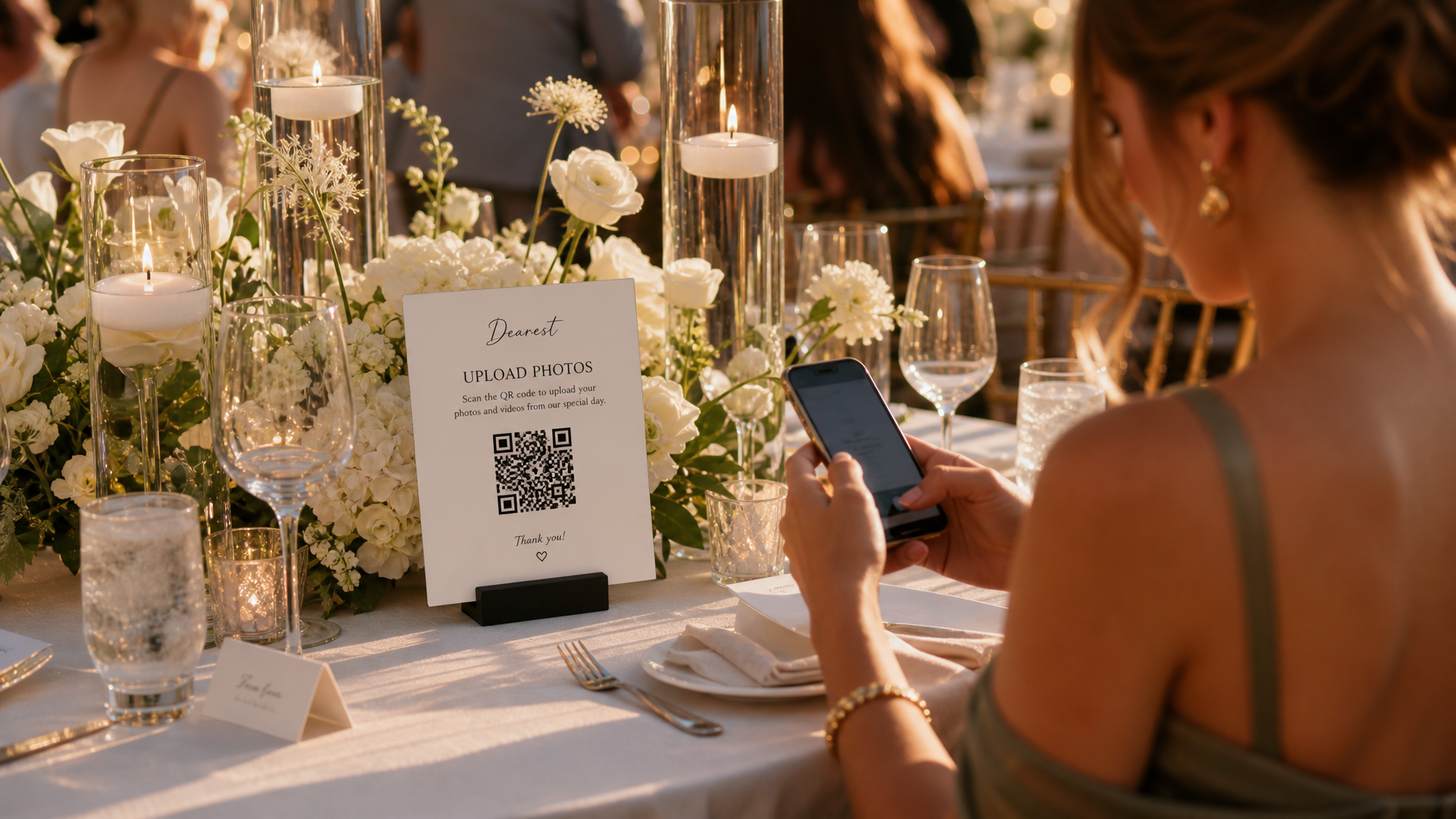
No brainer for your wedding memories
Dearest offers two great packages to gather your guests' photos and videos.
1. Create a Custom QR Code That Matches Your Event Style
When you create a custom QR code for photo sharing, you are not just making a black and white square. You are creating a branded entry point to your private gallery.
With Dearest, you can create a custom QR code in under two minutes that links directly to your private upload page. Guests scan and upload photos and videos instantly from their own phones. No app to download, no account to create, no learning curve. Your QR code can be displayed on elegant cards, signage, or your event website so it feels like part of the decor, not an afterthought.
Pro tip: Choose a design that matches your stationery. Minimalist black and white cards like our "Oh Snap" design work for formal weddings, while watercolor florals work beautifully for garden celebrations.
2. Use a QR Code for Pictures at Every Touchpoint of Your Event
A single QR code for pictures can travel with your guests throughout the entire celebration. The key is thoughtful placement.
Here are the most effective places hosts use their QR code:
Welcome table and ceremony entrance: Place a framed sign where every guest will see it when they arrive. Add a short line like "Scan to upload your photos and videos."
Reception tables: Tuck a small 3.5x2-inch takeaway card into each place setting or centerpiece. Guests notice it between toasts and during candid moments.
Bar and photo moments: Near the cake, photo backdrop, or dance floor is where guests are already taking pictures. That is the perfect prompt to upload them.
In your welcome bags or weekend itinerary: For destination weddings, add your QR code to the weekend details so guests can upload from the welcome party through brunch.
Each of these placements turns your QR code for pictures into a natural part of the guest experience, not an extra task.
3. Why Hosts Are Switching From Disposable Cameras at Weddings to QR Code Pictures
For years, couples placed disposable cameras at wedding tables to capture guest perspectives. While charming in theory, the reality is costly and complicated. You have to purchase 15 to 20 cameras, hope guests actually use them correctly, collect them at the end of the night, pay for development, and then receive a mixed batch of blurry or dark images weeks later. Many photos never get seen.
QR code pictures solve every one of those problems:
*Instant and unlimited:** Guests use the high-quality camera they already have in their hand. You receive hundreds of clear photos and videos, not 27 exposures.
*No lost memories:** Uploads go directly to your private gallery. Nothing gets left on a table or left in a hotel room.
*Private until you share:** Unlike a shared album link that pings everyone live, your Dearest gallery stays intentionally private and updates every 24 hours, so guests stay present and you control when to share.
*Video included:** Disposable cameras cannot capture toasts, first dances, or voicemails to the couple. QR code photo sharing can.
If you love the nostalgic feel of disposable cameras at wedding receptions, you can still display one or two for fun, but use your QR code as your main collection method to make sure nothing is missed.
4. Make Your QR Codes for Photos Work After the Event Too
The best part of using QR codes for photos is that your gallery lives on long after the last song.
Your Dearest QR code stays active for 3 months to collect uploads, and your private photo gallery stays available for 12 months. You can:
* Add it to your thank you cards so guests who did not upload on the night can add theirs later.
* Share it in a post-wedding email: "We are still collecting your favorite moments."
* Use the gallery to create a slideshow set to music, download everything at once, or design a museum-quality photobook that includes both professional and guest photos plus guest messages.
This turns a one-night event into a year-long memory collection.
5. How to Get More Guests to Actually Upload
Even the most elegant QR code needs a little nudge. Here is what works best according to our hosts:
1. Have your DJ or bandleader make one announcement. A quick "If you take any photos tonight, please scan the QR code on your table to share them with the couple" drives more uploads than anything else.
2. Assign one friend to be the hype person. Not to police uploads, but to point out the sign during cocktail hour.
3. Keep instructions simple. Your card should only say how to upload photos and videos. The simpler the message, the more scans you get.
The Easy Way to Start
You do not need to chase down photos in text threads or hope an album link works. When you create a custom QR code for your celebration, every guest becomes your photographer, and every candid ends up in one secure place.
Dearest was designed specifically for this. Your custom QR code for wedding photos, milestone birthdays, and family gatherings creates a private, ad-free gallery with AI search, facial recognition, and options for keepsake books that last far beyond the digital feed.
Ready to try it?
Create your custom QR code in 2 minutes at dearestevents.com and see how much more you collect when you make it effortless for guests.