How to Share a Photo Album With Friends and Family (Without the Chaos)
Sharing a photo album sounds simple - until photos are scattered across texts, cloud folders, and social media. The most effective solution is a single destination that accepts uploads from everyone.
Dearest simplifies sharing a photo album by providing a single private link or QR code. Friends and family can contribute photos, videos, and written sentiments, all in one place. Hosts can later download files, print images, or receive a fully designed photo album proof with no effort required. Here’s how:
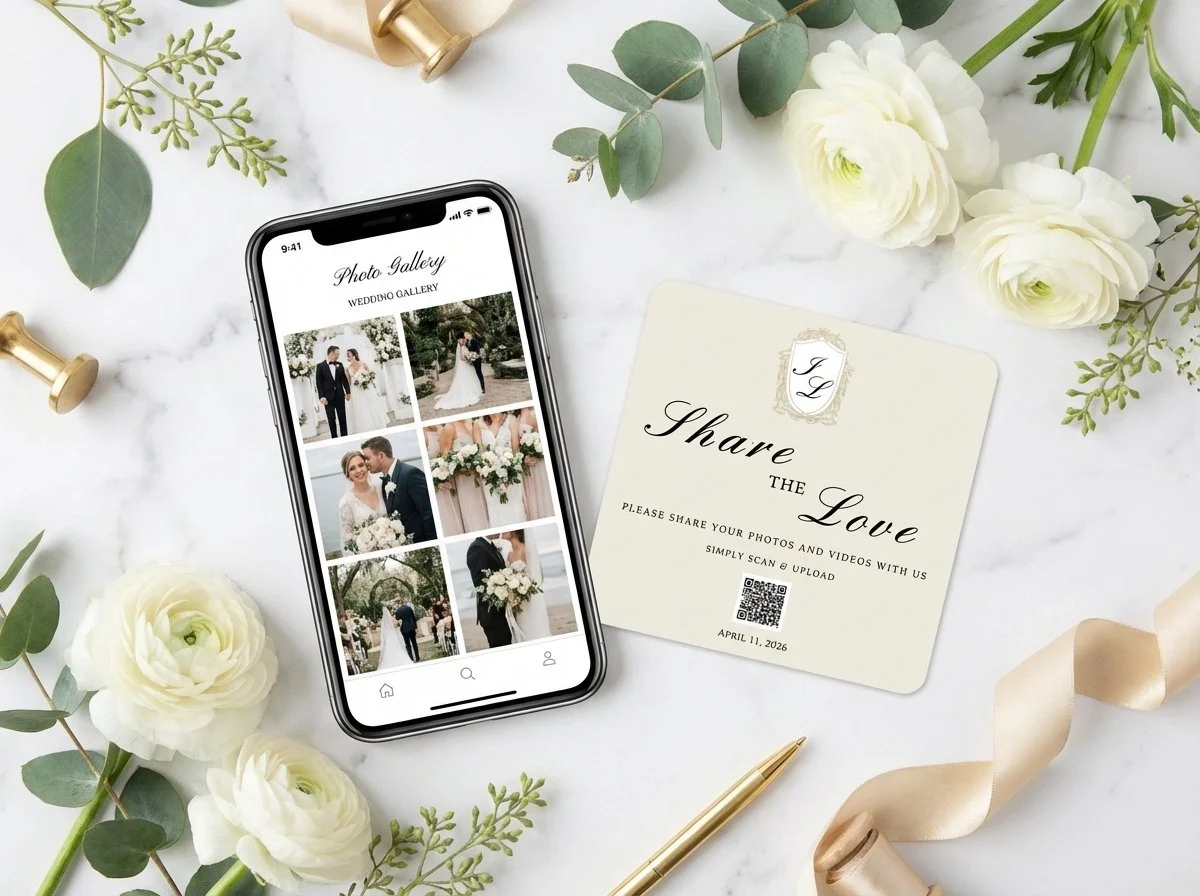
Photo of a phone looking at a Dearest photo album and a QR code card.
Step-by-Step Playbook for Maximum Guest Participation
1. Place Display Signs in High-Traffic Spots -Before the Event
Print your Dearest QR code on elegant table cards, bar signs, or welcome entry boards. High-traffic areas—like cocktail tables, reception bars, and dinner place settings—get the highest scan rates because guests are seated with their phones nearby.
2. Pair the QR Code with a Clear Call to Action -During the Event
Don't just show the code—tell guests what to do. Use simple, warm phrasing like: "Scan to share your candid photos with us!" or "Help us capture the night—no app needed!"
3. Make a Quick Announcement or DJ Plug -Mid-Event Announcement
Have your DJ or host give a 10-second reminder halfway through the night: "Make sure to scan the QR codes on your tables to upload the photos you've taken tonight so the couple can see them tomorrow!"
4. Send a Post-Event Thank You Link- Post-Event Follow-Up
Include your Dearest album link or QR code in digital thank-you notes. Guests often forget to upload photos taken late in the night or during travel home, giving them a second chance to contribute.
Best Practices for Capturing Meaningful Sentiments
Prompt Guests Beyond Just Photos: Encourage guests to record quick audio notes or leave written anecdotes alongside their photos to capture the feeling of the day—not just the visuals.
Keep It App-Free: The biggest barrier to guest participation is requiring an account setup or app download. Keep your Dearest link direct to a web browser page so anyone can upload in two clicks.
Combine Physical & Digital Memories: Use the uploaded photos and notes to auto-generate a physical hardcover coffee-table book proof, ensuring those digital uploads don't sit hidden on a hard drive forever. Dearest offers the option to get a curated proof of your guest photos and sentiments. This can be printed into a museum-quality photo book for you to showcase with your professional wedding album. See our FAQ for details.
Want more ideas? Check out this blog post.